Camera Control Panel

Take full command of every camera — from anywhere.

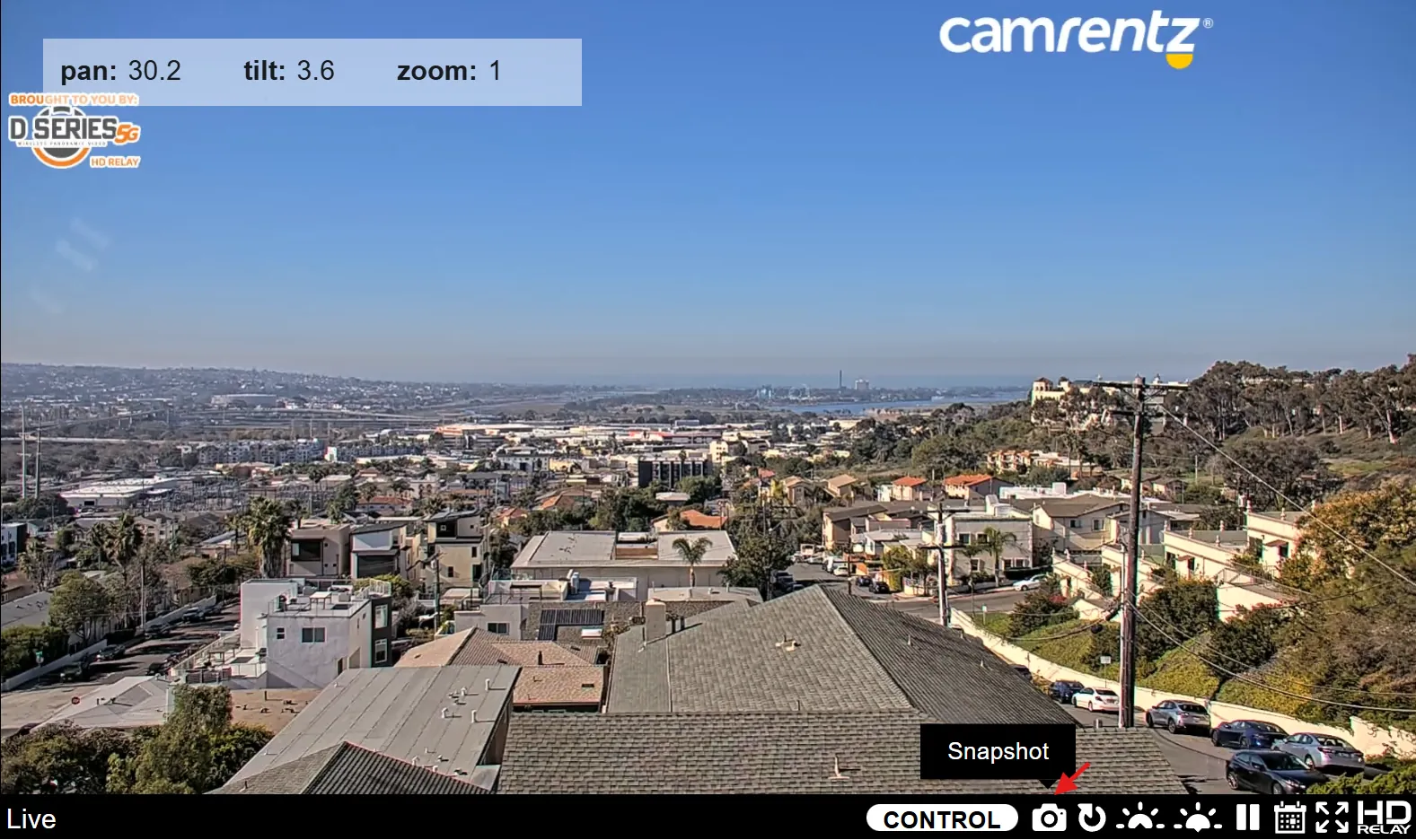
The Camrentz Camera Control Panel gives you a single, powerful interface to view, move, and manage your live cameras and recorded video. From PTZ control to playback, branding, and analytics, everything you need is available in one browser-based dashboard, no extra software required.
Camera Control Panel - Security Camera Rental

Why Use Camrentz Control Panel?

When you're responsible for a jobsite, event, facility, or destination, you need more than just a live feed. You need intelligent control. The Camrentz Control Panel lets your team:

Move and zoom cameras in real time
Switch between locations and views instantly
Review past events and download key clips
Add logos, weather data, and messaging on screen
Monitor how your viewers are using each camera

Control panel runs in an HTML5 player that works on modern browsers and mobile devices.

Key Features

Take your rental cameras from "static view" to "fully interactive".

Live PTZ (Pan-Tilt-Zoom) Control

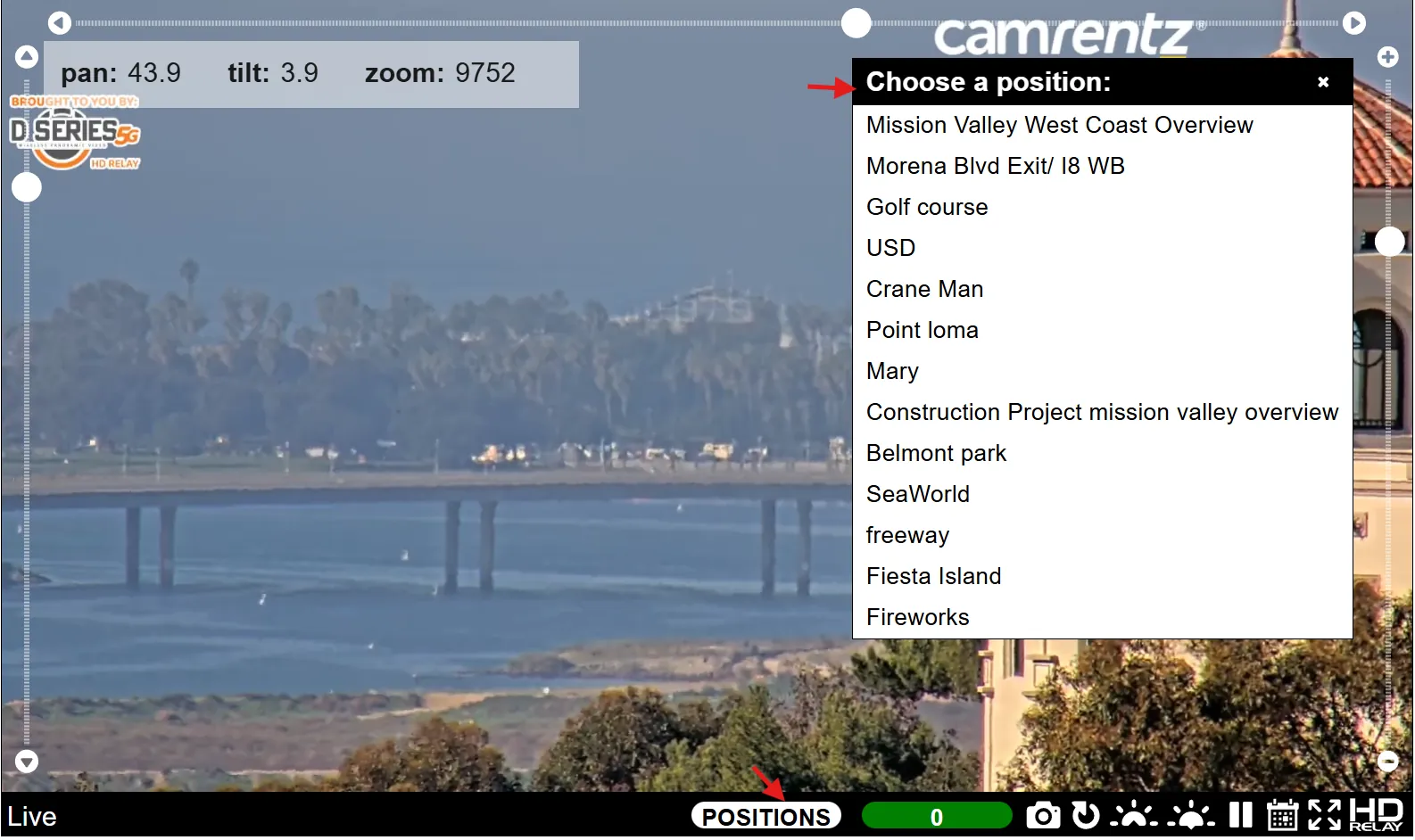
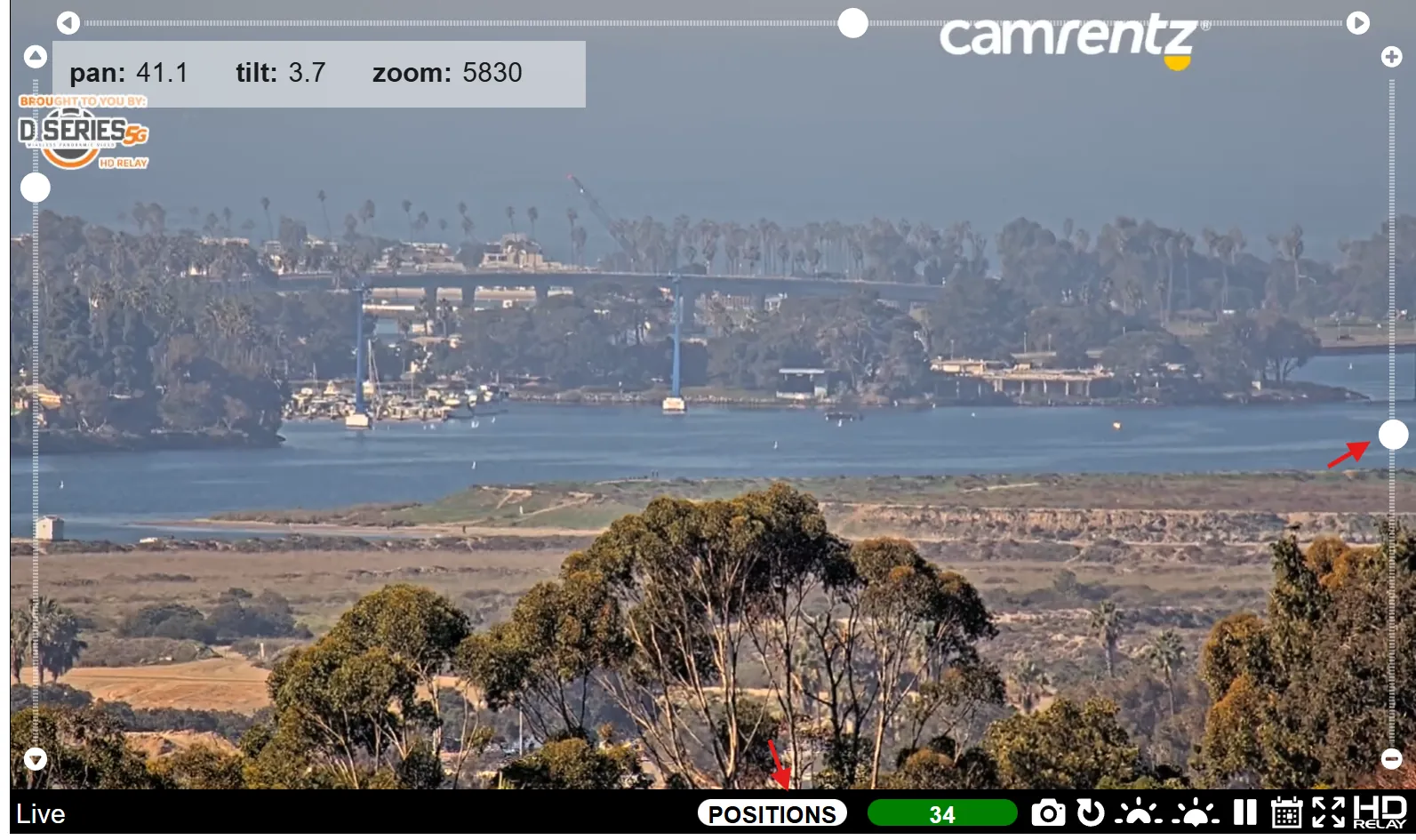
Operate PTZ cameras directly from the control panel. Pan across a scene, tilt for better coverage, and zoom in to capture details, all in real time. Camera owners can define presets and safe zones so public users only control approved views.

Presets, Tours & Panoramic Capture

Save your best views as presets, build automated tours, and generate panoramic images from PTZ cameras on a schedule. Create sweeping, high-resolution views of your site without manual repositioning.

Robotic Devices & Remote Switching

Add supported devices like remote power switches and sensors, and control them through simple on/off buttons in the interface. Power-cycle a camera, trigger a light, or switch a device without sending a technician onsite.

Viewer Experience: Live, Playback, Timelpase

The Camera Control Panel is built around a clean, responsive viewing experience.

100% Live + Recording

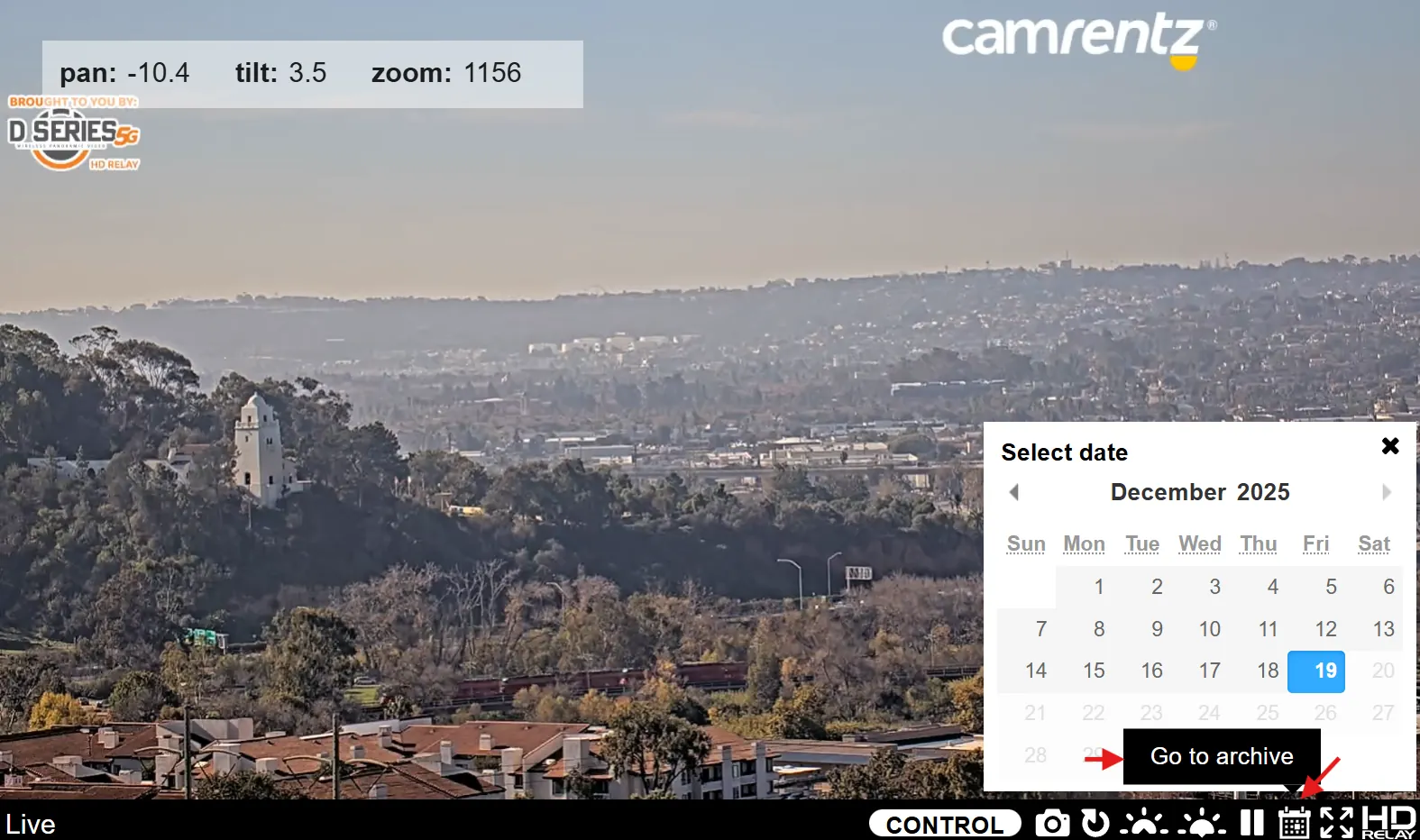
Stream live in high resolution while simultaneously archiving video to the cloud. Jump from real-time viewing into recorded segments with a single click, then jump back to live when you’re done.

HTML5 Player on All Devices

No plug-ins. No outdated tech. The Camrentz player uses HTML5 so your feeds work smoothly on desktops, tablets, and phones. The interface is designed for touch and mouse control, so users can quickly navigate, zoom, and scrub.

Timelapse & Panoramic Views

Leverage your cameras to generate time-compressed views or panoramic images that highlight progress, crowds, weather, or scenery. The same control panel can power both live streaming and visual storytelling.

Security, Privacy & Access Control

You control who sees what — and how.

  • HTTPS and secure connections to protect your streams and admin access

  • Private and public channels so you can share select cameras with staff, partners, or media outlets

  • Privacy masking options for view areas that should never be shown in the feed

  • Custom port and firewall support for IT teams that require fine-tuned network setups

The result: a flexible control panel that respects both operational needs and privacy requirements.

Analytics & Admin Tools

See how your cameras are being used and where they deliver the most value.

  • View usage stats, plays, and device types

  • Understand which locations and times draw the most viewers

  • Use this data to plan future camera placements, marketing campaigns, or service upgrades

The Camrentz Control Panel turns raw video into actionable insight.

The Camera Control Panel is built to pair with Camrentz rental solutions:

  • Mobile security trailers

  • Magic Box integration hubs

  • PTZ and static rental cameras

  • Specialty housings and mounts

Whether you’re running a single temporary camera or a full multi-site deployment, the same control panel can support your configuration and scale as your needs grow.

  • Deploy Your Camrentz Equipment
    Our team helps you select the right cameras, mounts, and power options for your site or event.

  • Connect to the Camrentz Control Panel
    Once the cameras are online, they appear in your dashboard for viewing and control.

  • Configure Views, Presets, and Portals
    Set up presets, privacy masks, public pages, and admin access levels.

  • Operate, Monitor, and Review
    Use the panel daily for PTZ control, playback, timelapse views, and clip downloads.

  • Refine Using Analytics
    Adapt your setup using the usage and performance data built into the platform.
Camera Control Panel - Security Camera Rental

Professional Support Behind Every Camera

With Camrentz you get more than a software tool. You get a US-based, experienced team that has been building and streaming professional camera systems for more than 20 years.

Our service includes:

Help with camera configuration and connectivity
Ongoing monitoring and support for uptime and performance
Assistance with player options, branding, and feature setup
No surprise support fees. Help is built into your monthly hosting service

No additional IT staff is required onsite. Just select power, uplink, and a compatible IP camera. We help with the rest.

Ready To Secure Your Space?

Get in touch with our team for a personalized consultation or to request a quote. We're here to help!